
120 levels
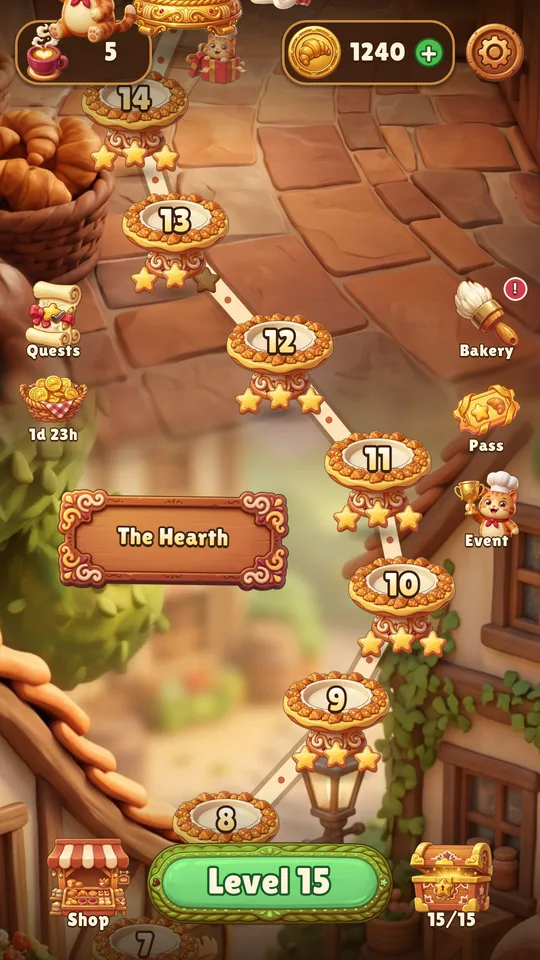
Caramel, ice, flour sacks, ovens, conveyor belts — with new levels every couple of weeks.

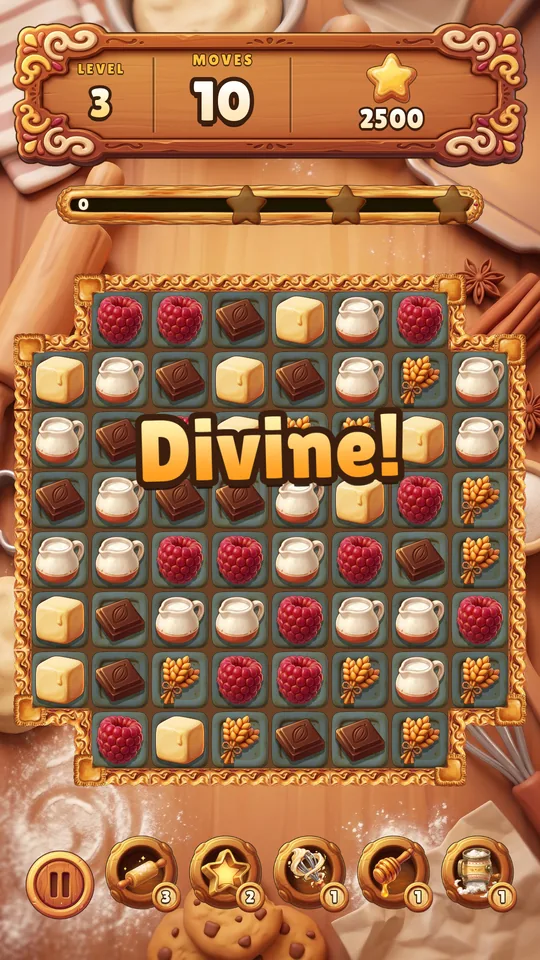
Swap treats, bake combos and bring an old bakery back to life with a baker cat.
Free · Android 7+ · plays offline

Easy to start, hard to stop: a new idea every few levels.
Caramel, ice, flour sacks, ovens, conveyor belts — with new levels every couple of weeks.

4 in a row bakes a Croissant, T and L shape a Cookie Cutter, 5 makes the Honey Dipper.

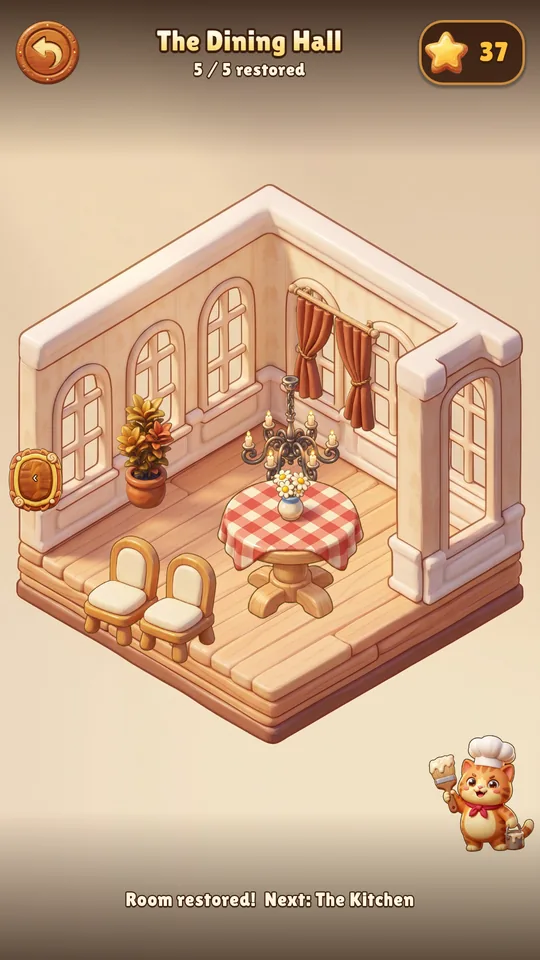
Spend stars on furniture: seven rooms, two styles for every piece.

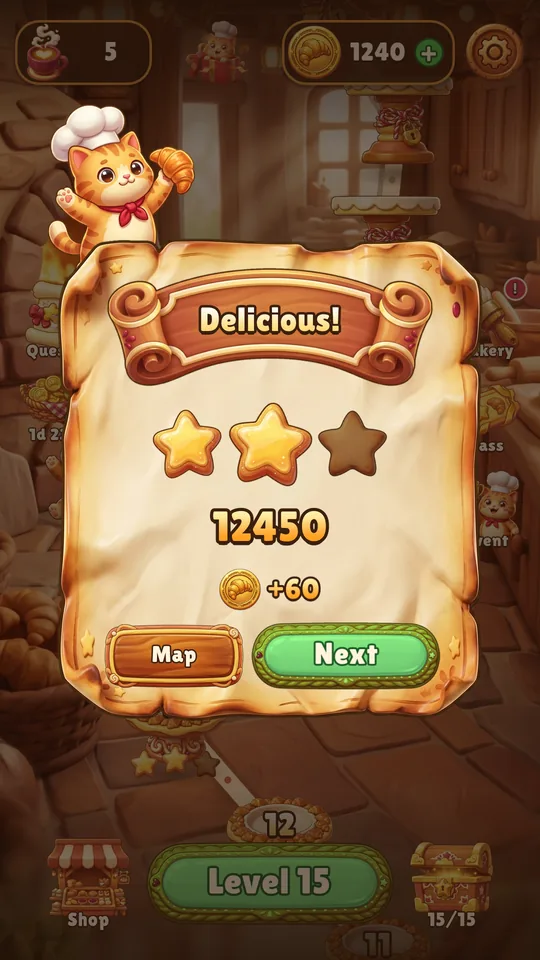
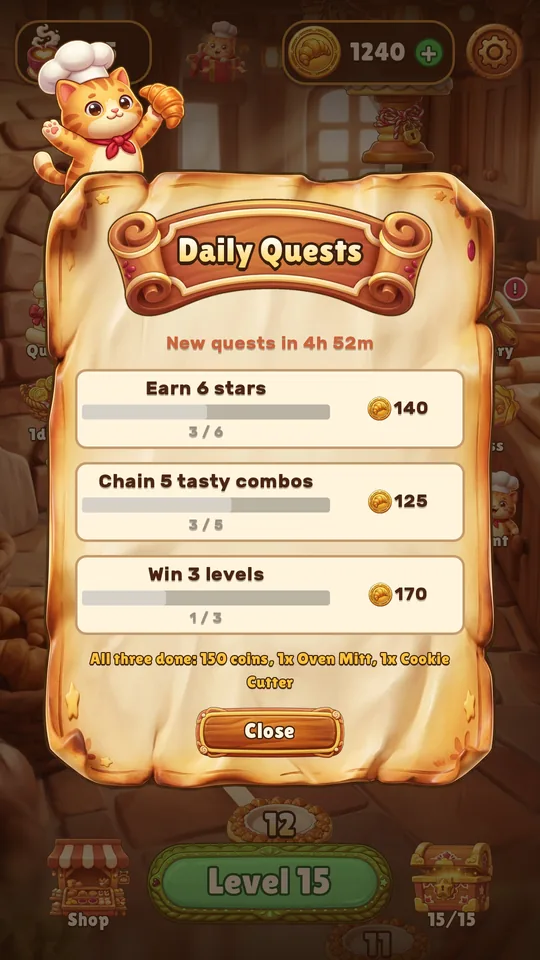
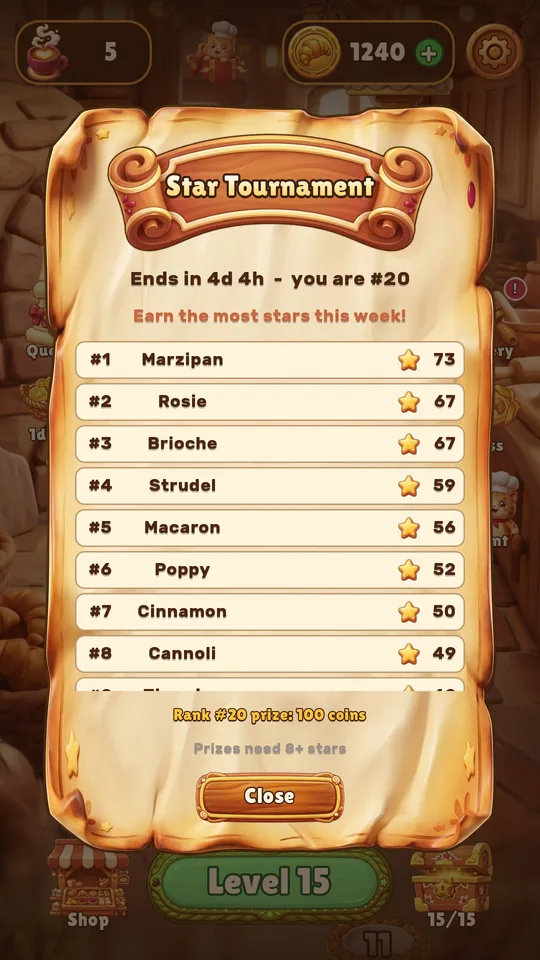
Daily quests, win streaks, a star chest, a seasonal pass and tournaments.
 BeforeAfter
Beat levels, earn stars and turn a dusty old bakery into the coziest spot in town. Counter, oven, shelves, lamps — pick the style, and the painter cat does the rest.
The game is in a closed Google Play test. Help us launch it — we'll say thanks with an in-game gift.

Yes. Every level can be finished for free. Coins and booster packs are optional purchases through Google Play.
No, you can play offline. The internet is only needed for purchases.
There are no ads in the current version. If they ever appear, it will only be optional rewarded ads, and we'll update the privacy policy first.
Progress is stored on your device. Android can carry it over through Google backup if you have it turned on.
There are no accounts; all data lives on your phone. Step-by-step guide: delete your data.
On the support page, or straight to hello@sosalgames.com. Mention your phone model and the level number.